▮▮▮ The player, considered
Less guessing. More watching.
Keep the source, the player and the problem separate. Practical features help you understand your setup and get back to your own content.
▮▮▮ Source health check
An answer before another reset.
When a channel will not open, begin with what the source actually returns. A clear response summary helps you choose the next check.
How to read this example
315 sources responded; 97 did not respond during the example check. A timeout alone cannot prove who is at fault. Confirm network access, source permissions and provider availability before drawing a conclusion.
Source health
97 of 412 channels did not respond. Check the source with your provider before changing your player settings.
ILLUSTRATIVE DATA · NOT A LIVE TEST
Your setup, kept
New device. Familiar setup.
Back up and restore without opening a separate account. The backup is one file, encrypted with a passphrase you choose, that you can keep wherever you like.
If you forget the passphrase, the file cannot be opened. A backup does not change the device limits set by your source.
The launch plan
Free at launch.
Zapsure will be free at launch, with no paid access requirement. The app is not yet available; confirmed store links will appear on this site.
Any future pricing change would be announced on this site.
Read the launch planChannel search
Find the channel. Skip the scrolling.
Search channels, films and series by name from one place instead of scrolling through the whole list.
Source response and playback still depend on your network, device and selected stream.
Films and series
Your whole source, in one place.
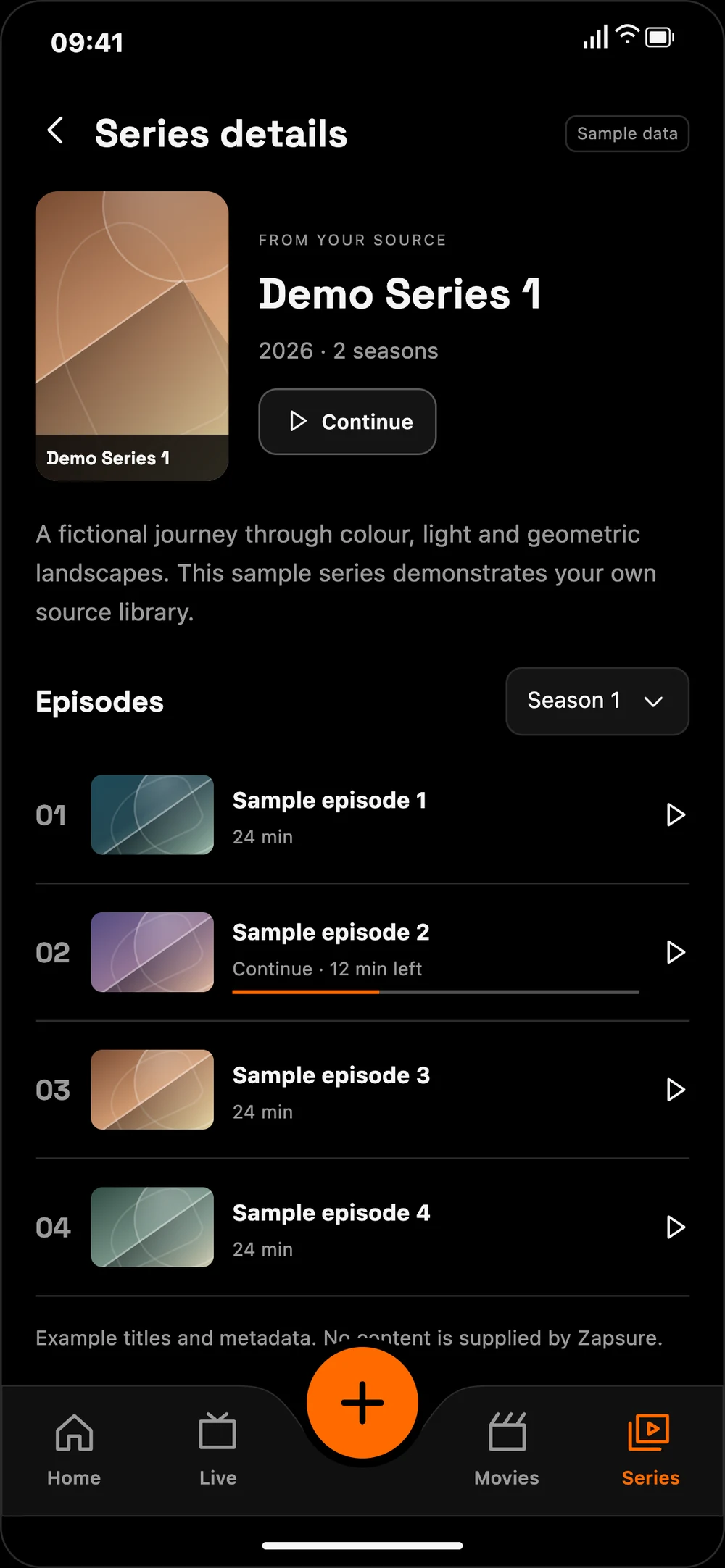
If your source includes films and series, browse them as poster shelves with categories and search, open a series by season, and play an episode in two taps. Pictures come from your own source.
What appears depends entirely on what your source provides. Zapsure supplies no films, series or channels.
Multi-view
Two or four streams at once.
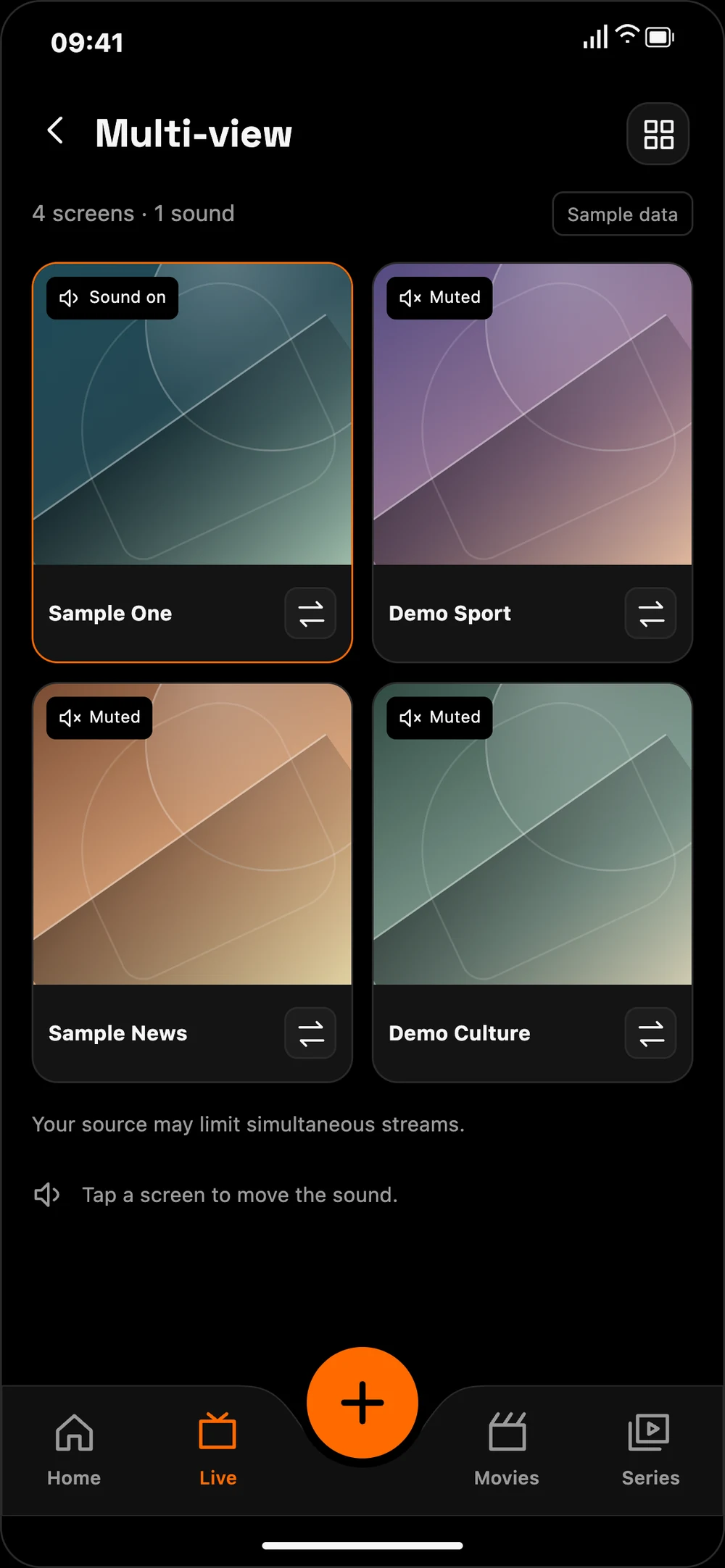
Watch two or four of your channels side by side. Sound follows the screen you tap, and you can change any screen’s channel without leaving the view.
Your source may limit simultaneous streams, and older devices may run warm with four. Use fewer screens if one stops.
Subtitles and quality
Captions on. Quality your way.
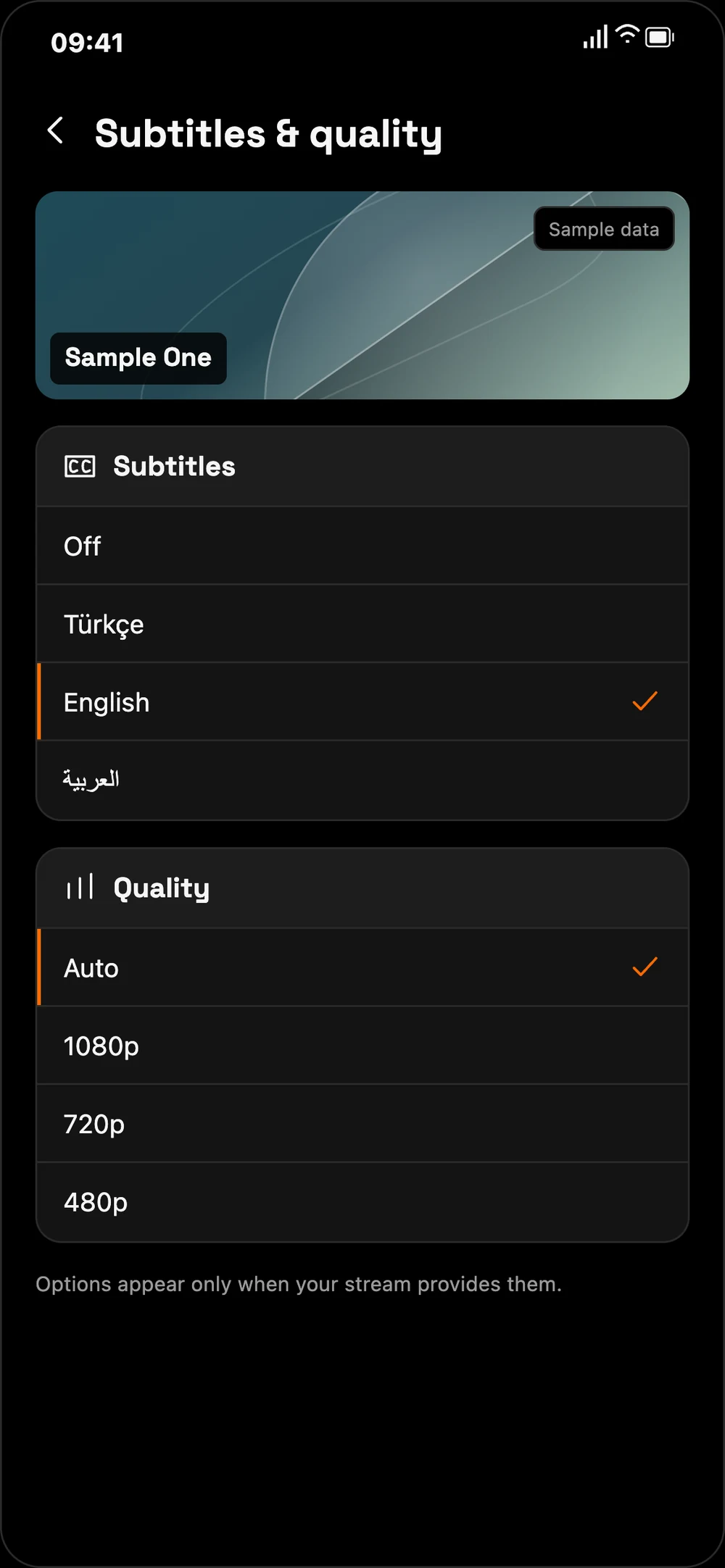
Turn on subtitles when the stream carries them, shown by language name. When a stream offers several qualities, leave it on Auto or pick one such as 1080p or 720p yourself.
Subtitle tracks and quality choices exist only when the stream provides them; many single-file films and live channels offer one quality.
Guide match check
See how well the guide lines up.
The source check reports how many of your channels match the guide data your source provides. A programme guide view is planned, with no date.
Programme data and playable streams are separate. One can work while the other needs attention.
Private by design
Credentials belong on your device.
Source passwords and playlist links are kept in your device’s secure storage. The launch version is planned without advertising or analytics. We never ask for passwords or payment details by email or chat.
The player still contacts your chosen source to request the streams and guide data you use.
Read the privacy policyZapsure
A name with a little channel switching in it.
“Zap” is switching channels; “sure” suggests certainty and reliability. In Turkish, say it roughly “zap-şur”. That is the direction of the name, not a promise that every third-party source will always work.
Your source, your player